How to Upload a Property: Property Match Landlord App
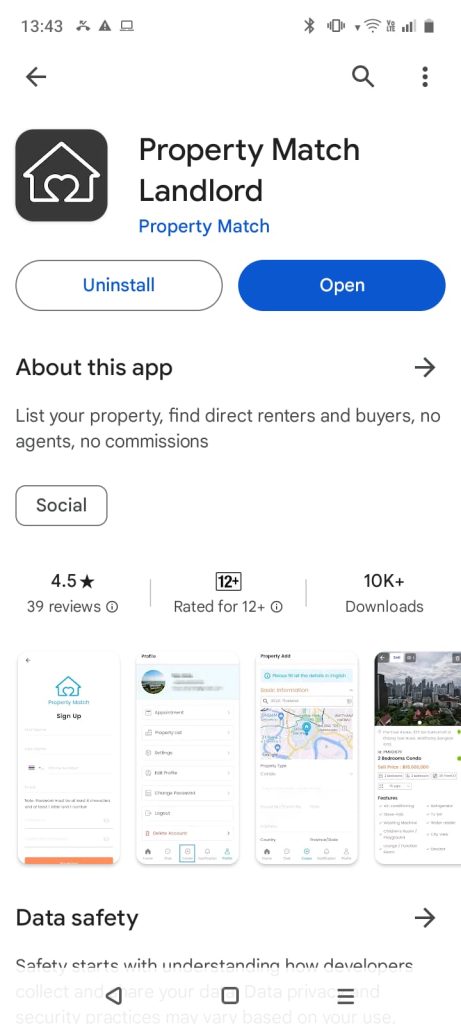
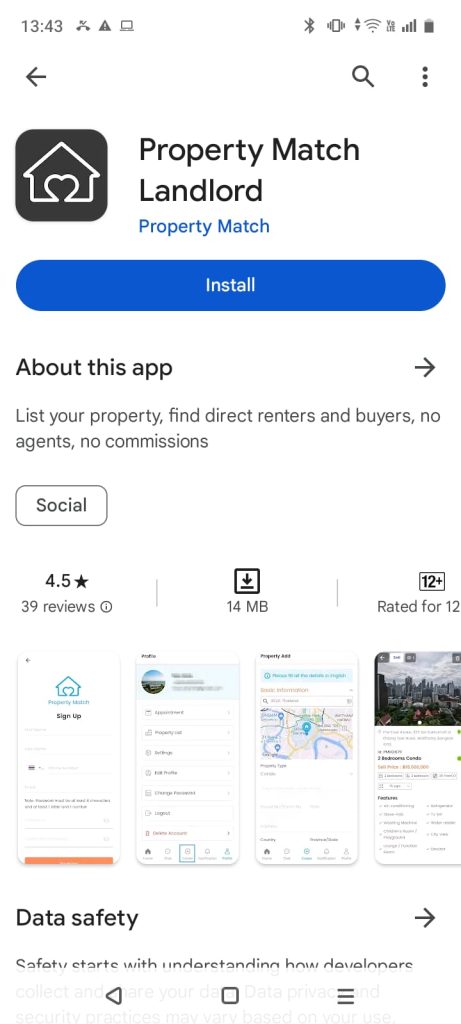
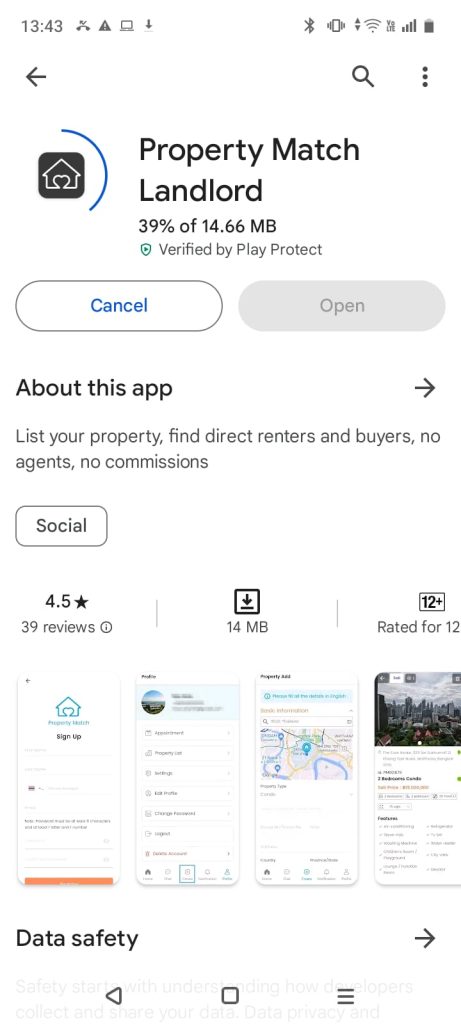
Step 1: Download the app
First, go to your app store (iPhone or Android), search for “Property Match Landlord” in the search bar, and download the app for free.
Step 2: Register
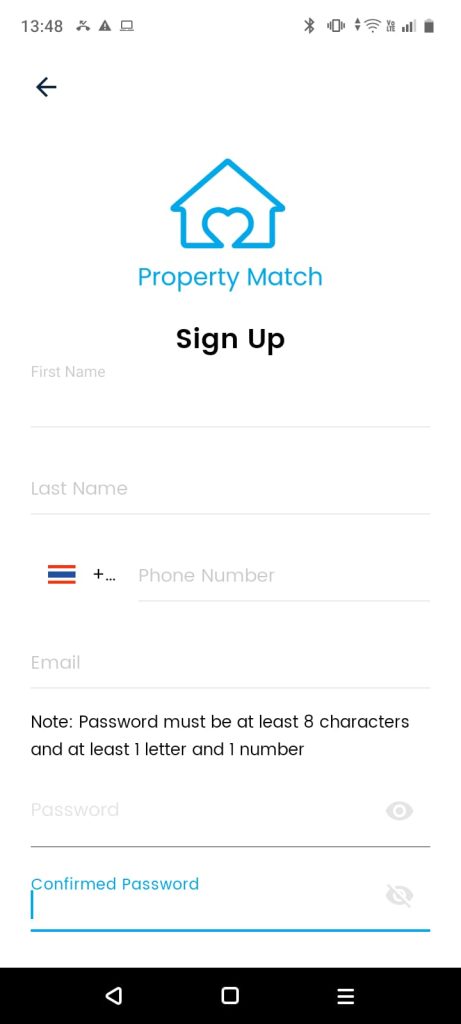
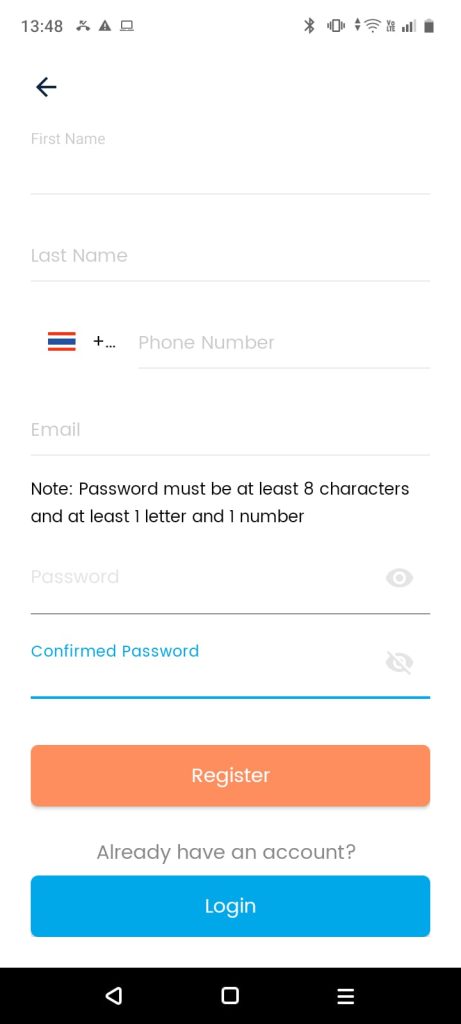
After downloading the app, open it and easily register by entering your:
First name
last name
phone number
email
create a password.
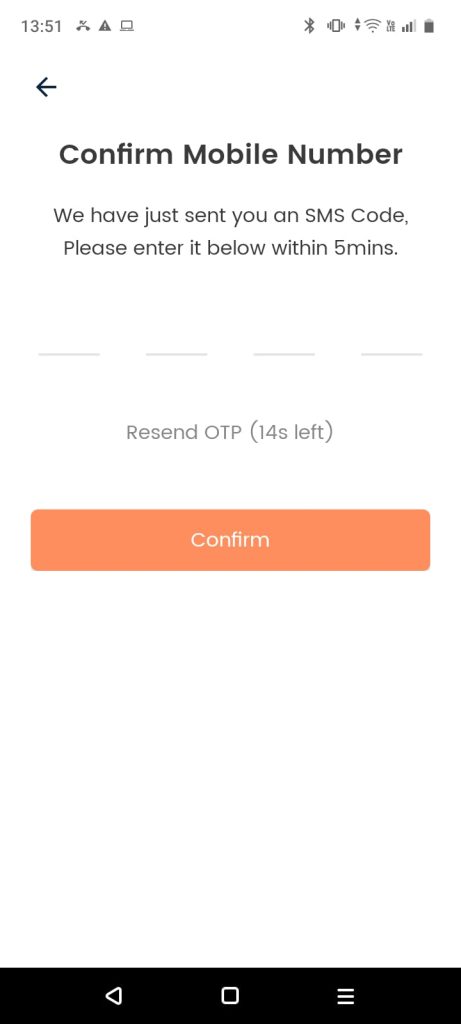
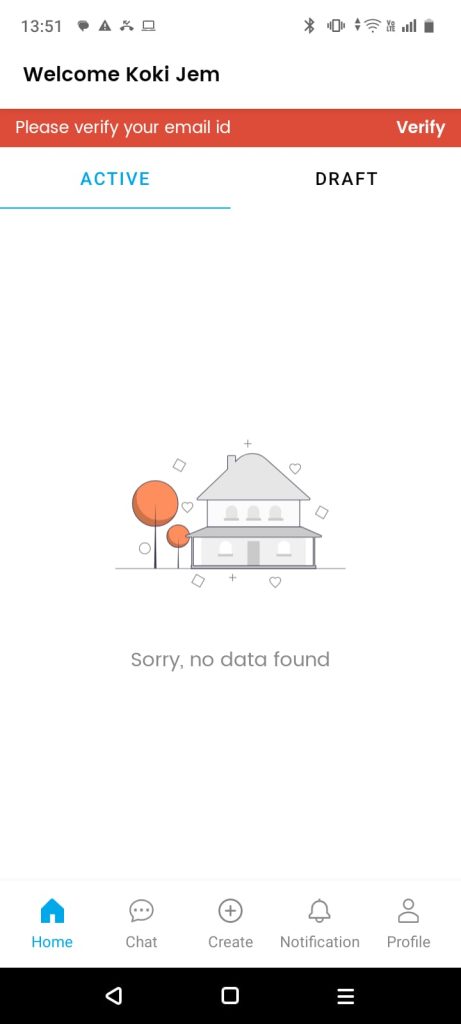
Then, you will need to verify the SMS code you received to your mobile phone and also verify the email you received to ensure that it is really you.
Note: It is very important to confirm the email you received so that you can upload your property to the app.
Step 3: Upload your Property
Congratulations! You have reached the last step of uploading your property to the app. All you need to do is:
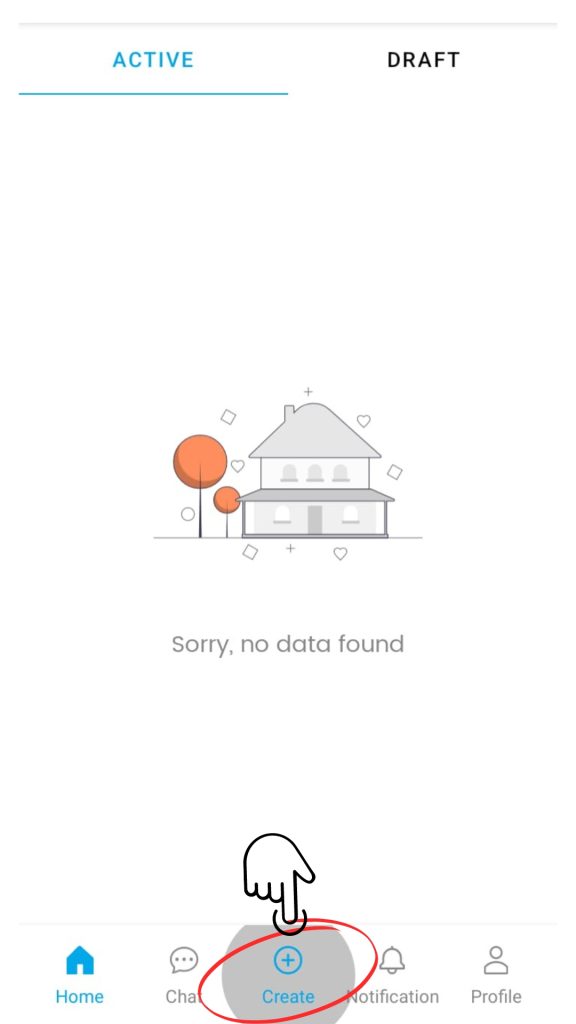
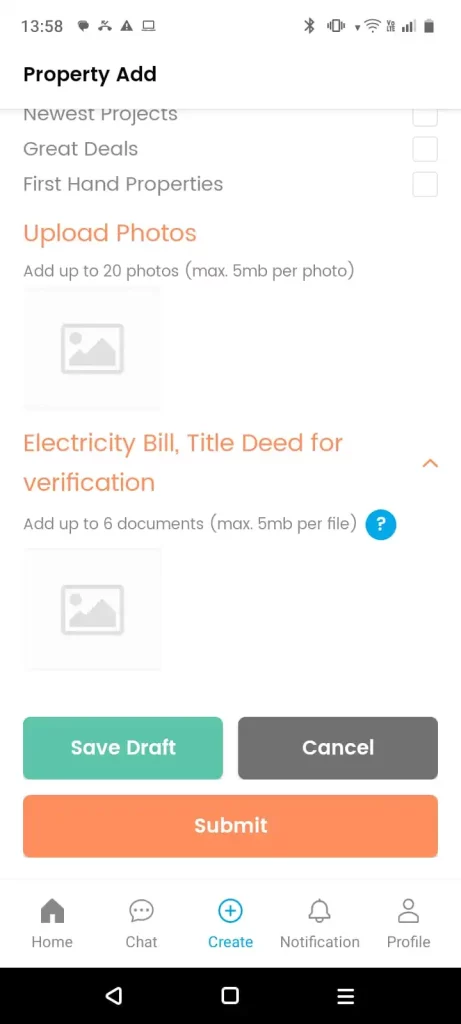
First: Tap on “Create”,
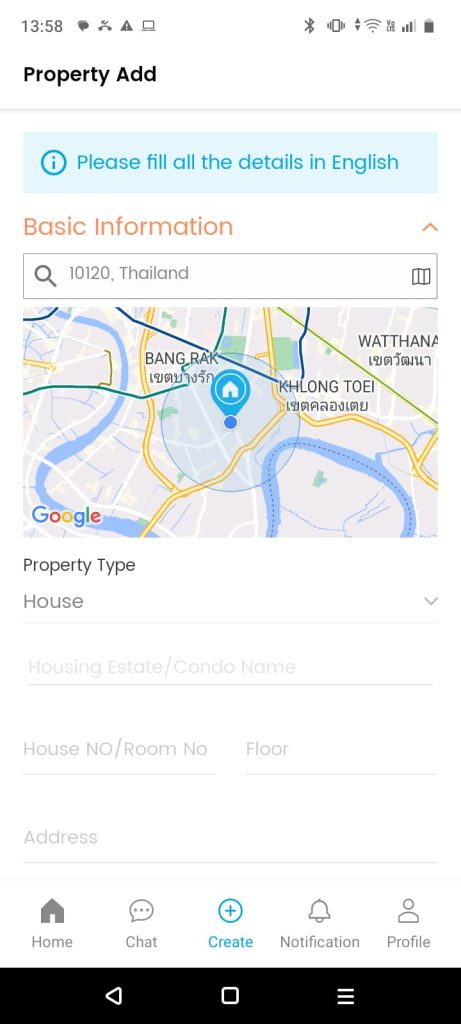
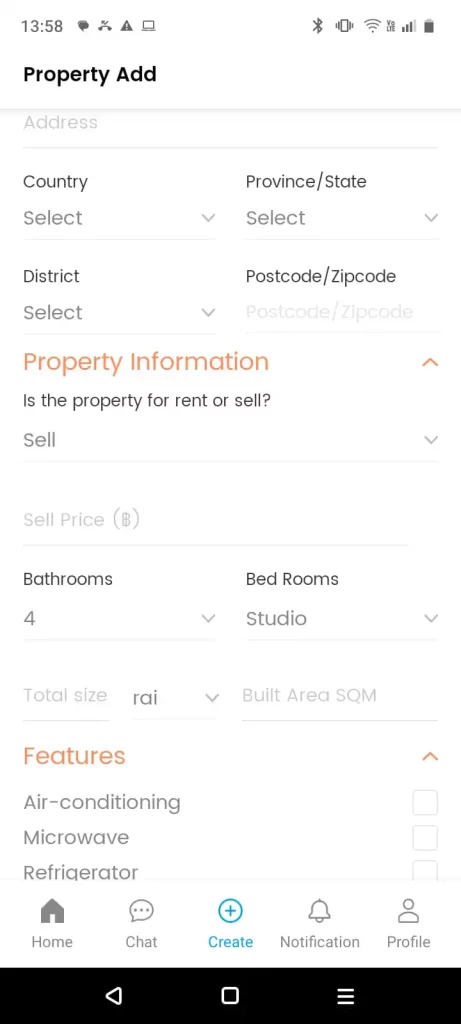
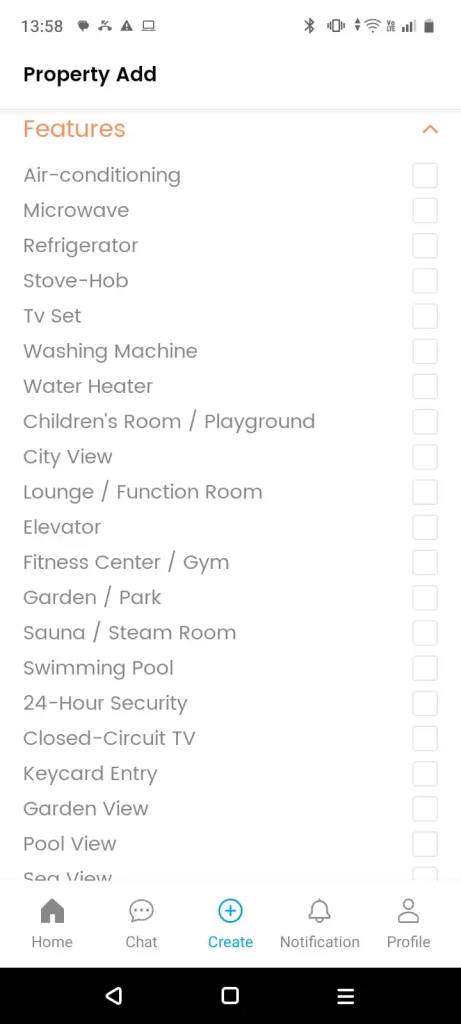
then fill in the property details such as: property location(+ Pin on the map), size, description, the purpose of the listing (sale or rent)…
The last step is to add the property photos and proof that you are the real owner of the property along with an pictures of electricity bill and the title deed.
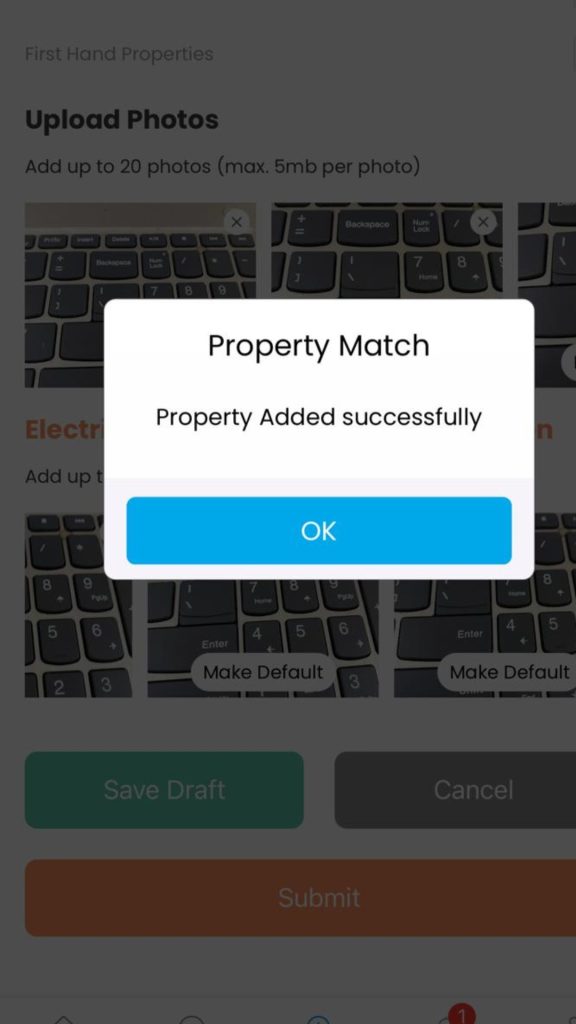
Congratulations! your property added successfully
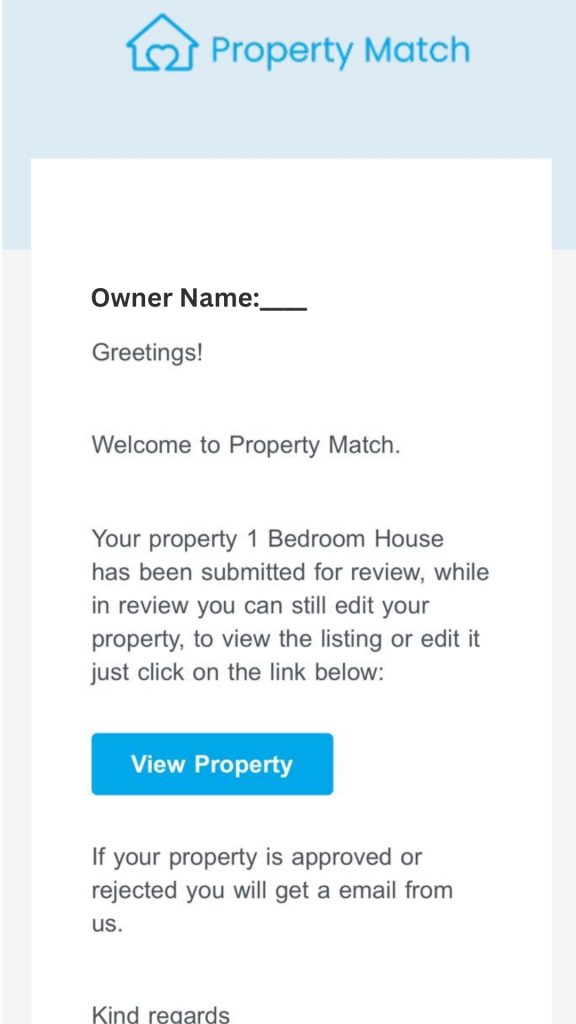
Now you will need to wait for our team to review and approve your ad. You will receive an email notification once the property is approved.